Skip to content
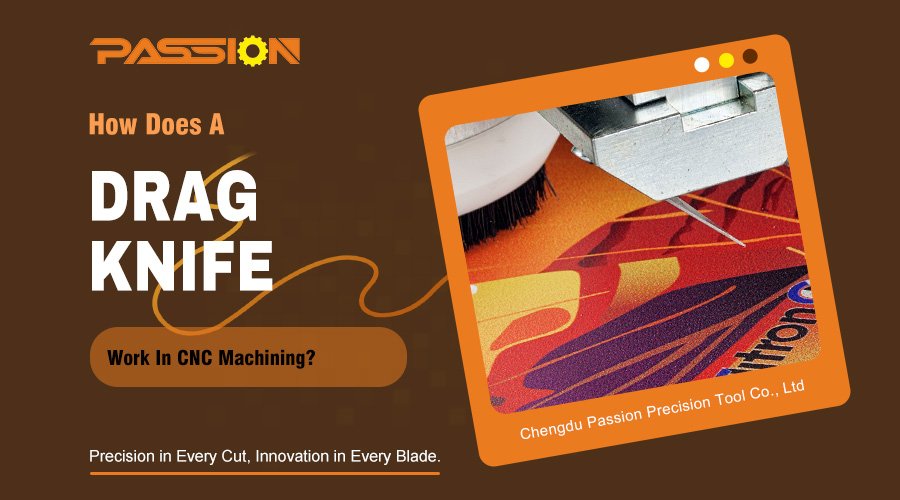
Are you struggling to get clean cuts on thin materials with your CNC1? This often leads to wasted stock and frustration. A drag knife2 can solve this by precisely slicing instead of routing.
A drag knife is a specialized, non-rotating CNC tool. It uses the machine's movement to pull a sharp blade through flexible or semi-rigid sheet materials. The blade holder rotates freely, allowing it to follow complex paths with high accuracy, much like a pen in a plotter. Ever wonder how a simple, non-spinning blade can follow a complex CNC path so perfectly? Without understanding its secret, you might get rounded corners or torn material.
The core principle is the blade's offset. The blade's cutting edge is positioned slightly behind the tool's center of rotation. This offset forces the blade to passively swivel and align with the machine's direction of travel, ensuring it precisely follows the programmed path.
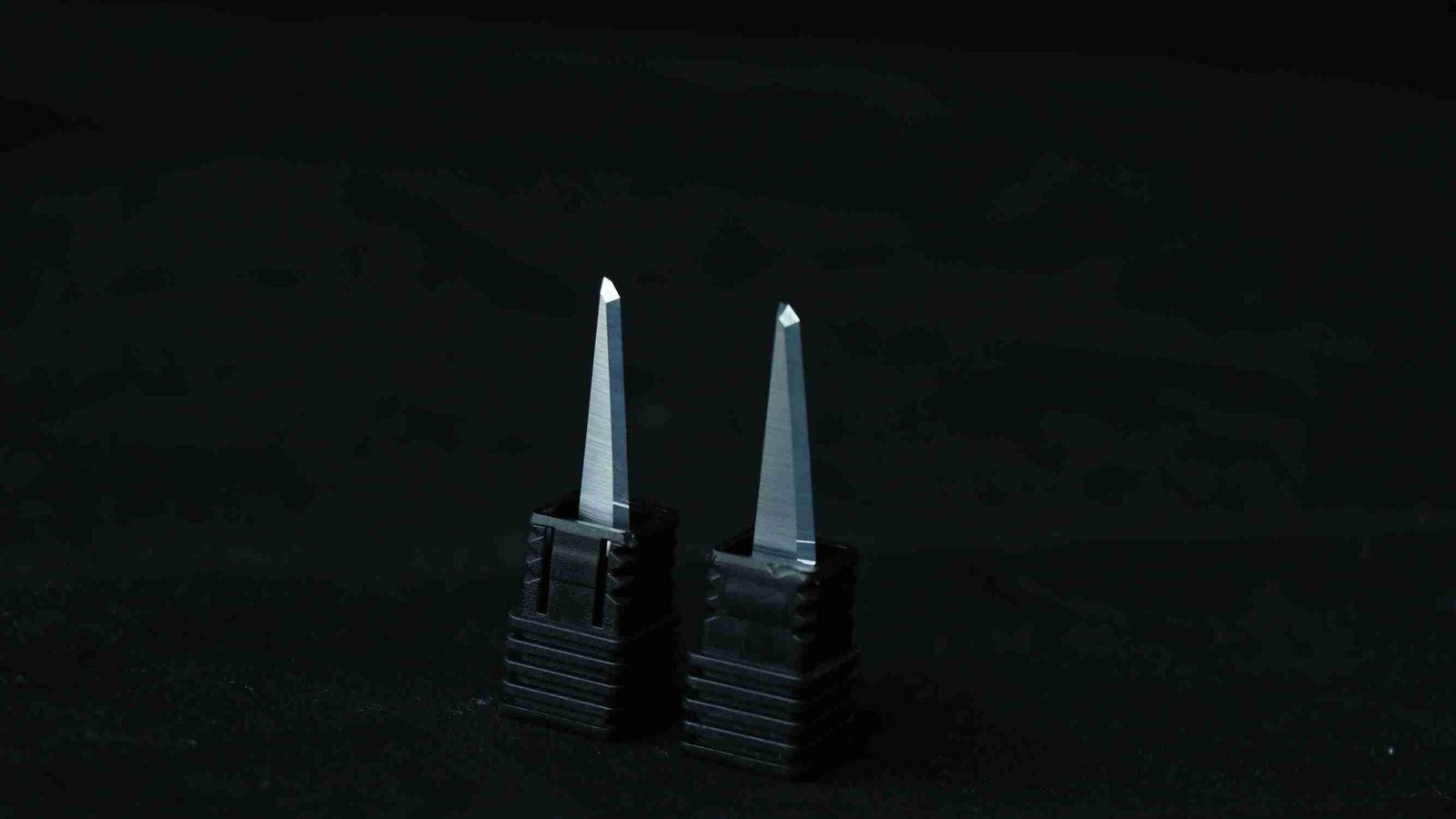
Think about the front wheels on a shopping cart. When you push the cart forward, the wheels automatically swivel to follow the direction you're heading. A drag knife works on the exact same principle, which is often called the "caster effect3." The CNC machine doesn't command the blade to turn; it simply moves along the X and Y axes. The force of being dragged causes the blade, thanks to its offset, to orient itself perfectly along the cutting path4. This self-aligning nature is what makes it so precise.
The Role Of Offset
The offset is the specific distance between the center of the tool holder's rotation and the tip of the blade. This small distance is everything. Without it, the blade would just scratch and tear the material unpredictably. The offset creates the trailing action that allows for controlled cutting. I've helped customers who initially struggled with setup, and the issue almost always traced back to an incorrect offset value in their software.
| Feature | Central Pivot (No Offset) | Offset Pivot (Drag Knife) |
|---|---|---|
| Movement | Scratches and tears unpredictably | Follows the direction of travel smoothly |
| Cornering | Cannot navigate sharp turns | Swivels to align with new path |
| Control | Low, resulting in poor cut quality | High, resulting in precise, clean cuts |
| Principle | A simple pin or point | The "caster effect" |
Getting this setting right in your CAM software5 is crucial for achieving the sharp corners and clean lines this tool is famous for.
Which Materials Are Best Suited For Cutting With A Drag Knife?
Have you invested in a CNC but find it chews up delicate materials like vinyl or foam board? This can be costly and limit your projects. A drag knife excels where traditional router bits fail, opening up a new world of materials.
Drag knives are ideal for cutting thin, flexible, and semi-rigid sheet materials. This includes vinyl, cardboard, corrugated plastic, foam board, pre-preg carbon fiber, gasket materials, leather, and various fabrics. They work best on materials that can be cleanly sliced rather than milled.
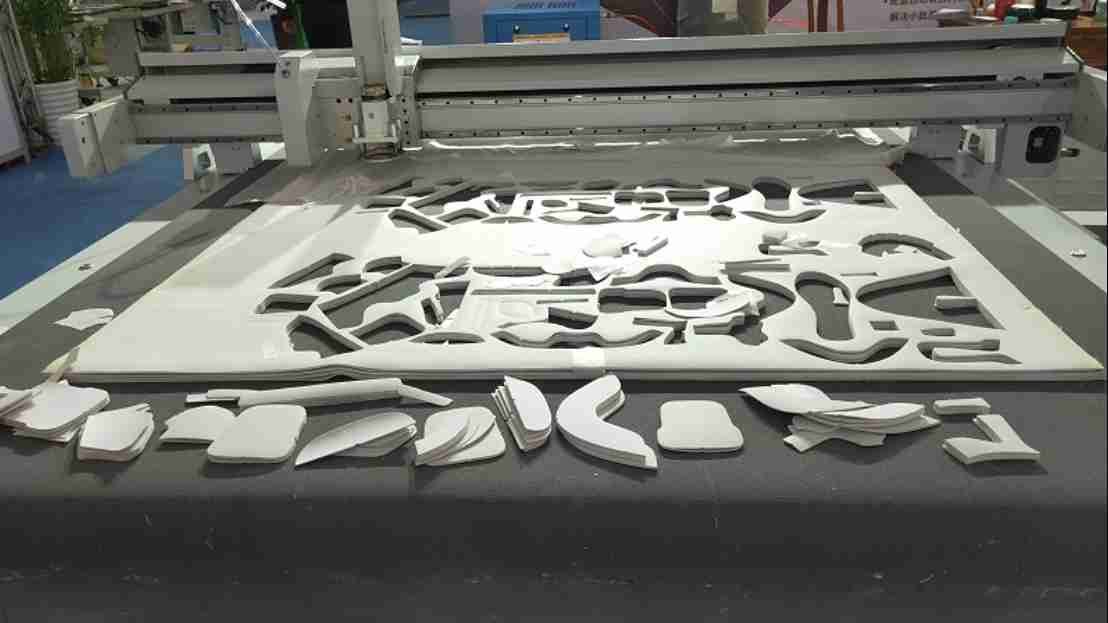
I recently worked with a client in Germany, who runs a custom packaging business. He was using a router to create prototypes from corrugated cardboard, but the bit would tear the paper layers and leave a fuzzy, unprofessional edge. He was frustrated and wasting a lot of material. I introduced him to our PASSION drag knives. After a quick setup, he was able to cut his prototype boxes with razor-sharp edges and perfect creases. He told me it completely changed his workflow, allowing him to produce customer-ready samples in a fraction of the time. This is a perfect example of matching the right tool to the right material.
Matching The Blade To The Material
The type of blade you use is just as important as the tool itself. Different blade geometries6 and angles are designed for different types of materials to ensure the best possible cut. At PASSION, we produce a wide variety to meet these specific needs.
| Material Group | Common Examples | Recommended Blade Angle | Why It Works |
|---|---|---|---|
| Soft & Flexible | Vinyl, thin plastics, paper | 30° or 45° angle blade | A sharp, acute angle minimizes drag and prevents tearing. |
| Semi-Rigid | Cardboard, foam board, corrugated plastic | 45° or 60° angle blade | A sturdier angle provides durability for thicker materials. |
| Tough & Fibrous | Gasket material, leather, carbon fiber pre-preg | 60° angle blade, often with a specific grind | A steep angle offers more cutting power for dense materials. |
Choosing the wrong blade angle can lead to the material bunching7 up, incomplete cuts, or premature blade wear. Experimenting with different blade angles for your specific material is key to achieving that perfect, clean edge.
How Do You Set Up A Drag Knife Parameters In Your CNC Software?
Feeling intimidated about setting up a new tool in your CAM software? If you enter the wrong parameters, you could end up with inaccurate cuts or damaged material. Setting up a drag knife is simple if you focus on one key parameter: the offset.
To set up a drag knife, you define it as a new tool in your CAM software. The most critical parameter is the "blade offset8," which must match the physical measurement of your tool. The software uses this value to generate toolpaths with cornering actions to properly orient the blade.

The software needs to know about the offset for one simple reason: corners. Imagine you are dragging a small wagon. To make a sharp 90-degree turn, you can't just move your handle in an "L" shape; you have to swing wide to allow the wheels to follow. CNC software does something similar for a drag knife. It creates a small loop or a sharp over-travel move at each corner. This action forces the blade to swivel and perfectly align for the next straight cut, ensuring your corners are sharp, not rounded. Neglecting this setting is the number one reason new users get poor results.
Key Software Parameters
While the offset is the star of the show, a few other settings are important for getting a perfect cut. Understanding these will give you complete control over the process.
| Parameter | Description | My Recommendation |
|---|---|---|
| Blade Offset | The physical distance from the center of rotation to the blade tip. This is the most crucial setting. | Measure your tool precisely with calipers. Do not guess. An incorrect value will result in rounded or distorted corners. |
| Corner Action | The special move the CNC makes at corners to orient the blade. Options often include "lift and swivel" or "looping." | For most materials, a small looping action works best as it keeps the blade in the material for a cleaner corner. |
| Cutting Depth | How deep the blade cuts into the material. | Set it to be slightly deeper than the material thickness to ensure a complete cut-through, especially if using a spoilboard. |
| Feed Rate | The speed at which the machine moves along the cutting path. | Start slow, especially with new materials. Too fast a feed rate9 can cause the blade to drag improperly or tear materials. |
I always advise my clients to run a test cut on a scrap piece of material after setting up the tool in their software. Cutting a simple square with sharp corners is a great way to verify that your offset and corner action settings are perfect.
Conclusion
A drag knife combines CNC precision with the simplicity of a blade. By understanding its offset principle and proper setup, you can achieve clean, accurate cuts on many materials router bits cannot handle.
Learn how CNC technology enhances cutting precision and efficiency in various applications. ↩
Explore the mechanics of a drag knife to understand its advantages over traditional cutting tools. ↩
Learn about the caster effect and how it contributes to the precision of drag knife cuts. ↩
Explore how cutting paths are programmed to ensure accuracy and efficiency in CNC machining. ↩
Explore the role of CAM software in CNC machining and how it facilitates precise cutting operations. ↩
Learn how blade geometries impact cutting performance and the importance of choosing the right one. ↩
Explore the causes of material bunching and effective strategies to prevent it during CNC operations. ↩
Understanding blade offset is crucial for achieving precise cuts; explore its significance in CNC operations. ↩
Discover how to determine the ideal feed rate for different materials to ensure optimal cutting results. ↩