Skip to content
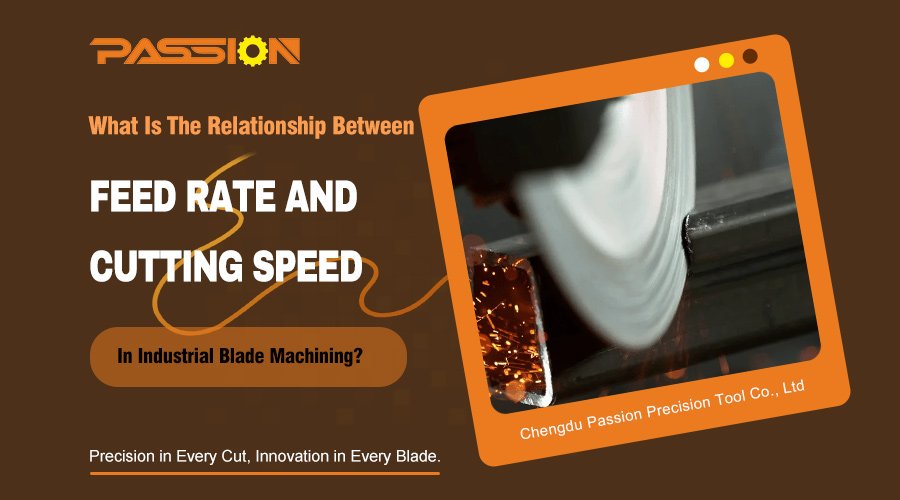
Struggling with your machining process? Incorrect speed and feed settings can ruin blades and workpieces. This guide will help you understand the key to achieving perfect, efficient cuts every time.
Cutting speed1 is how fast the blade's edge moves against the material, affecting surface finish2 and heat. Feed rate3 is how quickly the tool advances into the workpiece, impacting efficiency and cutting force. They must be balanced for optimal results and tool life.
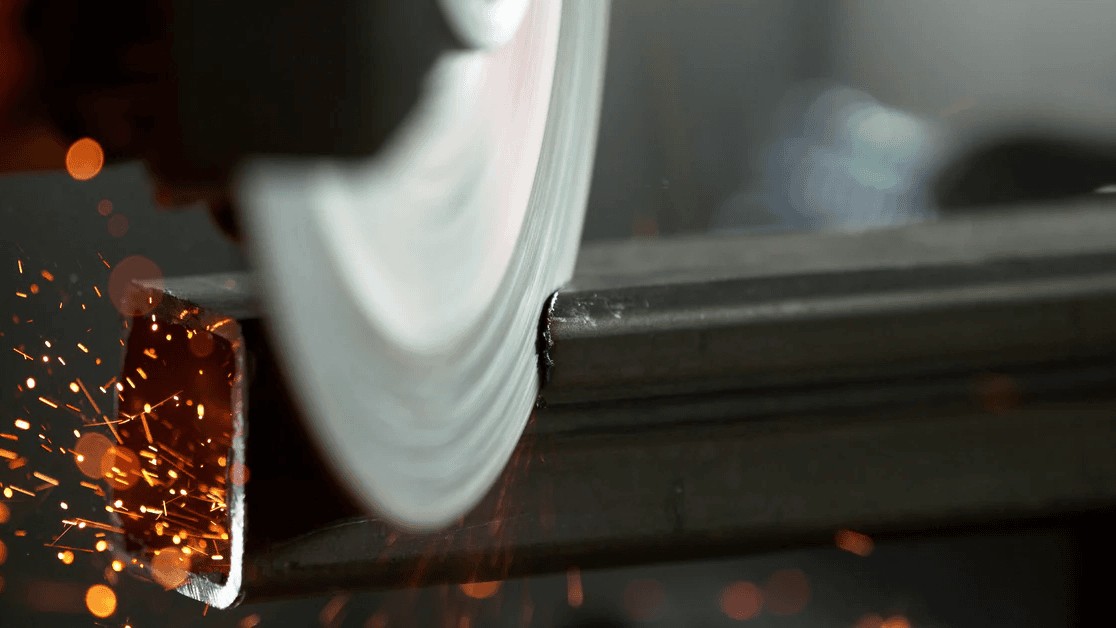
Getting this balance right can seem complex at first. Many people use the terms interchangeably, but they control very different aspects of the cutting process. Once you understand how each parameter works independently and together, you can optimize your operations. It becomes much easier to troubleshoot issues and improve your final product quality. Let's break it down further so you can master these settings.
What Is The Fundamental Difference Between Cutting Speed And Feed Rate?
Do you find machining terms confusing? Words like cutting speed and feed rate sound similar. But confusing them can lead to poor quality cuts, damaged blades, and wasted material.
Cutting speed is the blade's surface speed against the workpiece. It directly influences heat generation and the final surface finish. Feed rate is the tool's travel distance per revolution. It controls the material removal rate4 and the thickness of the chips.
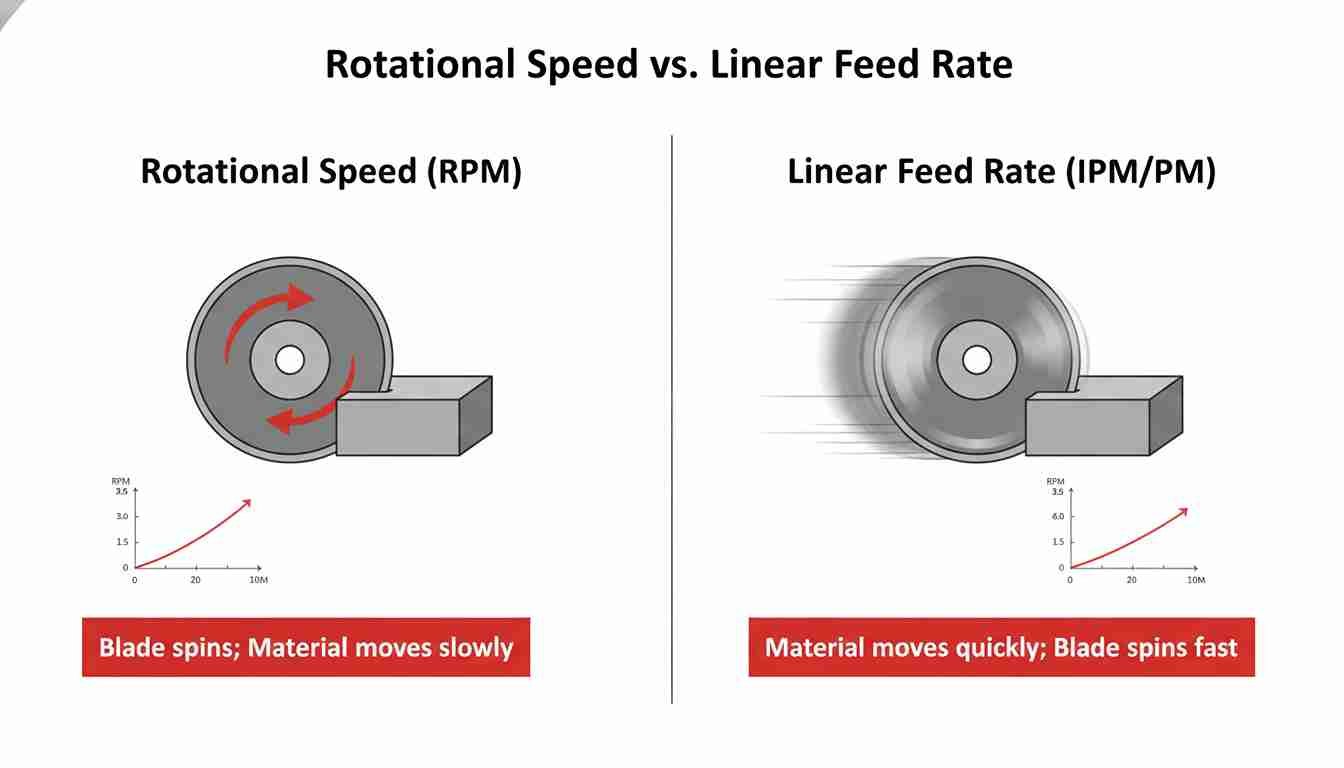
I often use a simple analogy to explain this to my clients. Imagine you are plowing a field. The cutting speed is like the speed of your tractor. If you drive too fast, the plow might hit a rock and break. If you drive too slowly, you will not get the job done on time. The feed rate is like the depth you set the plow. If you set it too deep, the tractor might stall because the load is too heavy. If it is too shallow, you are just scratching the surface and not really plowing the field. A skilled farmer finds the perfect combination of speed and depth for the specific soil type. Similarly, a skilled machinist must find the right balance between cutting speed and feed rate.
Key Distinctions
Here is a simple table to help you remember the difference:
| Feature | Cutting Speed | Feed Rate |
|---|---|---|
| What it measures | How fast the cutting edge moves | How fast the tool advances |
| Primary Effect | Heat, surface finish, tool wear | Chip thickness, cutting forces, efficiency |
| Unit of Measure | Meters per minute (m/min) or Surface feet per minute (SFM) | Millimeters per revolution (mm/rev) or Inches per revolution (ipr) |
| Analogy | Tractor's speed | Plow's depth |
How Do Cutting Speed And Feed Rate Impact Your Machining Results?
Are your finished parts not meeting quality standards? Do your blades wear out too quickly? The problem might be in your speed and feed settings. An imbalance causes rough surfaces or tool failure.
High cutting speeds generally create smoother finishes but generate more heat, which can wear out your blades faster. High feed rates remove material quickly but can leave a rough surface and increase stress on the tool. The key is finding the right combination.
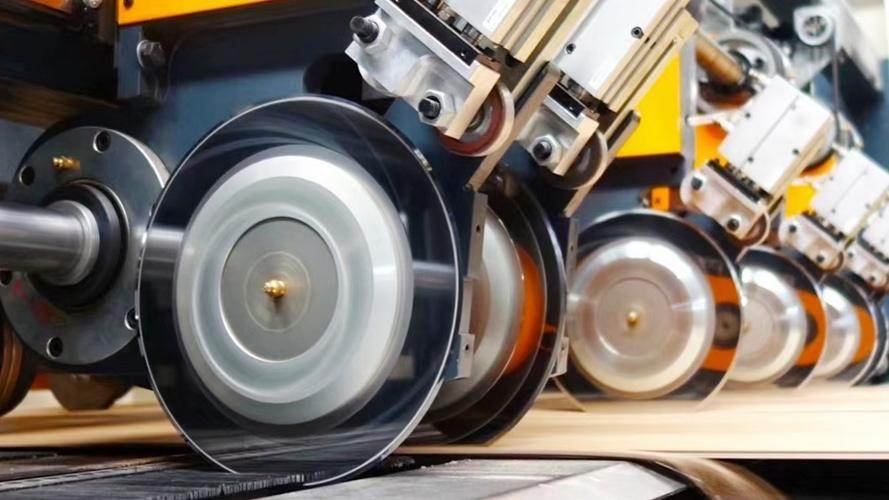
I remember a case with a client, Alberto, from a packaging company in America. He was using our blades to cut thin plastic films, but the edges were coming out melted and jagged. He was frustrated because his production line had to slow down for quality checks. I asked him about his machine settings. He was running a moderate cutting speed but a very high feed rate to maximize output. The high feed rate was causing too much force, tearing the plastic instead of slicing it cleanly. We recommended he significantly increase the cutting speed but lower the feed rate.
Finding The Right Combination
This change made all the difference. The higher speed allowed the blade to slice through the film with less resistance, creating a clean, sharp edge. The lower feed rate reduced the force on the material. John’s quality issues disappeared, and his line ran much more smoothly. This experience shows how different combinations create very different results.
| Combination | Effect on Process | Best For |
|---|---|---|
| High Speed + Low Feed | Smooth surface finish, low material removal rate, less tool pressure. | Finishing cuts that require high precision and excellent surface quality. |
| Low Speed + High Feed | Rough surface finish, high material removal rate, high tool pressure. | Roughing cuts where the goal is to remove a lot of material quickly. |
| High Speed + High Feed | Very high material removal rate, but creates extreme heat and tool wear. | High-performance machining with specialized tools and robust cooling systems. |
| Low Speed + Low Feed | Low efficiency, can cause tool rubbing instead of cutting. | Generally avoided, but may be used for very hard or delicate materials. |
How Can You Find The Perfect Balance For Optimal Performance?
Do you want to achieve peak efficiency without sacrificing quality? Finding the sweet spot between cutting speed and feed rate is crucial. It is a balance that saves money and improves your output.
You should start with the manufacturer's recommendations for your blade and the material you are cutting. Then, you can make small adjustments based on the results you see. Observe chip formation, surface finish, and tool wear to fine-tune your settings.
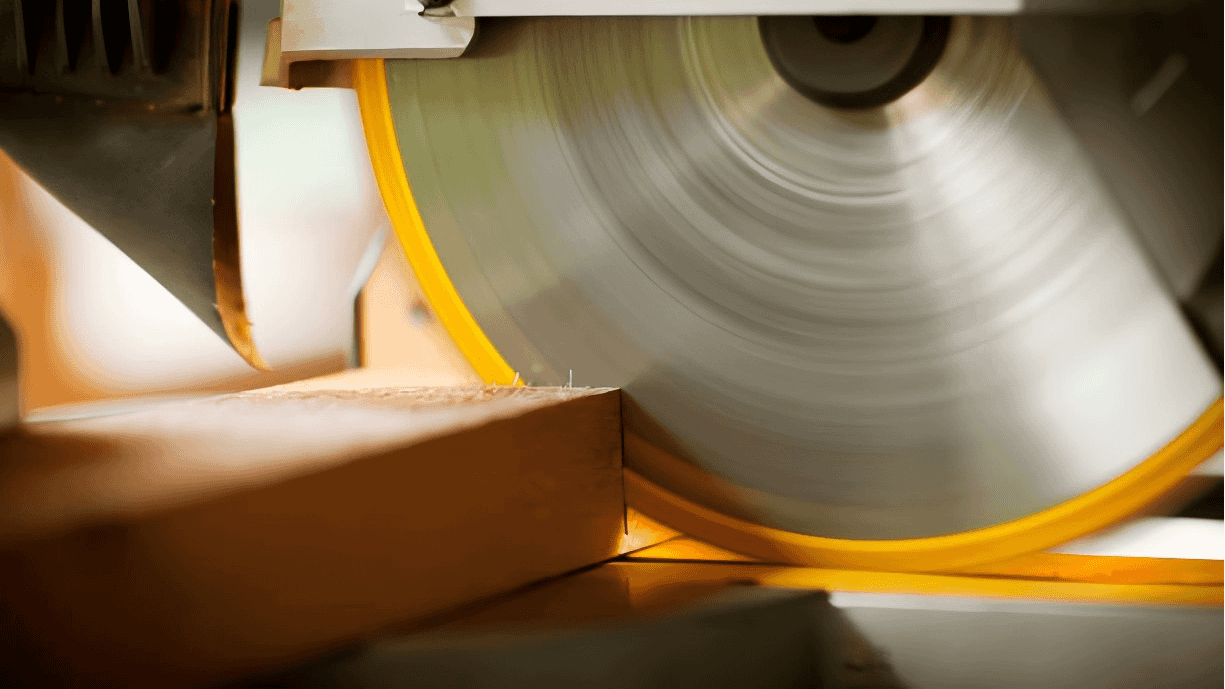
Finding the perfect balance is a process of testing and observation. For example, Maria runs a textile factory in Brazil and was struggling to cut a new synthetic fabric. The material was tough and abrasive, causing our blades to dull quickly. We worked with her team to find the best parameters. We started with the baseline data for a similar material. Then, we adjusted the cutting speed up by 5% and watched the cut quality. Then we adjusted the feed rate. After a few trials, we found a combination that provided a clean cut and extended the blade's life by almost 40%.
A Practical Guide To Optimization
You can follow a similar process in your own facility. The goal is to find the highest possible speed and feed rate that still deliver the surface finish you need without causing premature tool failure.
- Check Recommendations: Always start with the data sheets from your blade supplier and material supplier. They provide a safe and effective starting point.
- Make Small Adjustments: Change only one variable at a time, either speed or feed, in small increments (around 5-10%). This helps you understand the effect of each change.
- Listen and Look: Pay attention to the sound of the machine. A smooth, consistent sound is a good sign. Examine the chips. Their color, shape, and size tell you a lot about the cutting action.
- Inspect the Part and Tool: Check the surface finish of your workpiece and inspect the cutting edge of the blade for signs of wear.
Remember to consider these factors:
| Factor | Influence on Settings |
|---|---|
| Workpiece Material | Harder materials require lower cutting speeds. Softer materials can handle higher speeds. |
| Blade Material | Carbide or ceramic blades can run at much higher speeds than high-speed steel (HSS) blades. |
| Machine Rigidity | An older or less rigid machine may require more conservative settings to avoid vibration. |
| Coolant/Lubrication | Proper use of coolant can allow for higher speeds by reducing heat and friction. |
Conclusion
Mastering the balance between cutting speed and feed rate is essential. It transforms your machining from a guessing game into a precise, efficient, and high-quality manufacturing process.
Understanding cutting speed is crucial for optimizing machining processes and achieving better surface finishes. ↩
Learn about the factors affecting surface finish to enhance the quality of your machined parts. ↩
Exploring feed rate helps you grasp its impact on material removal and overall machining efficiency. ↩
Learn about material removal rate to optimize your machining operations and improve productivity. ↩